
Watch William take us though in detail how to charge a LiPo battery on a smart charger.
How to Use an RC Smart Charger - Quick Start Guide

To use an RC smart charger, plug in your battery's main and balance leads, select LiPo Balance mode, set the charge rate to match your battery's capacity (1 amp per 1000mAh), set the correct cell count voltage, and hold start to begin the charge cycle.
Modern smart chargers take the guesswork out of powering up your fleet. Whether you're running a basher, a crawler, or a high-speed track weapon, a good smart charger will handle pretty much any battery chemistry you throw at it. Here is our straightforward guide to getting your battery charged safely and efficiently.
Visual Learner?
Safety First: Respect Your LiPos
LiPo batteries deliver long run times and plenty of punch, but they require a bit of respect. Only ever charge a LiPo battery using a dedicated LiPo setting, and never leave it unattended while charging. Pumping power into a LiPo on the wrong setting (like NiMH) is a fast track to a ruined battery and a potential fire.
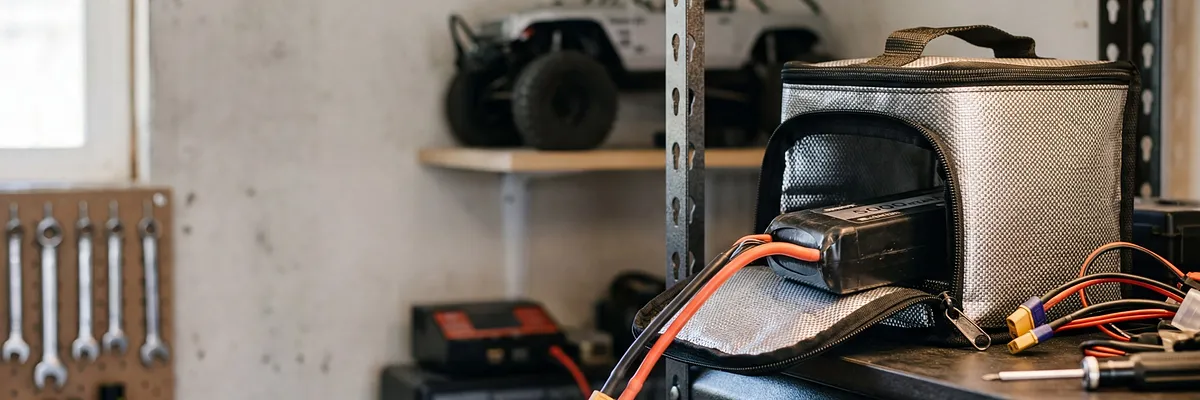
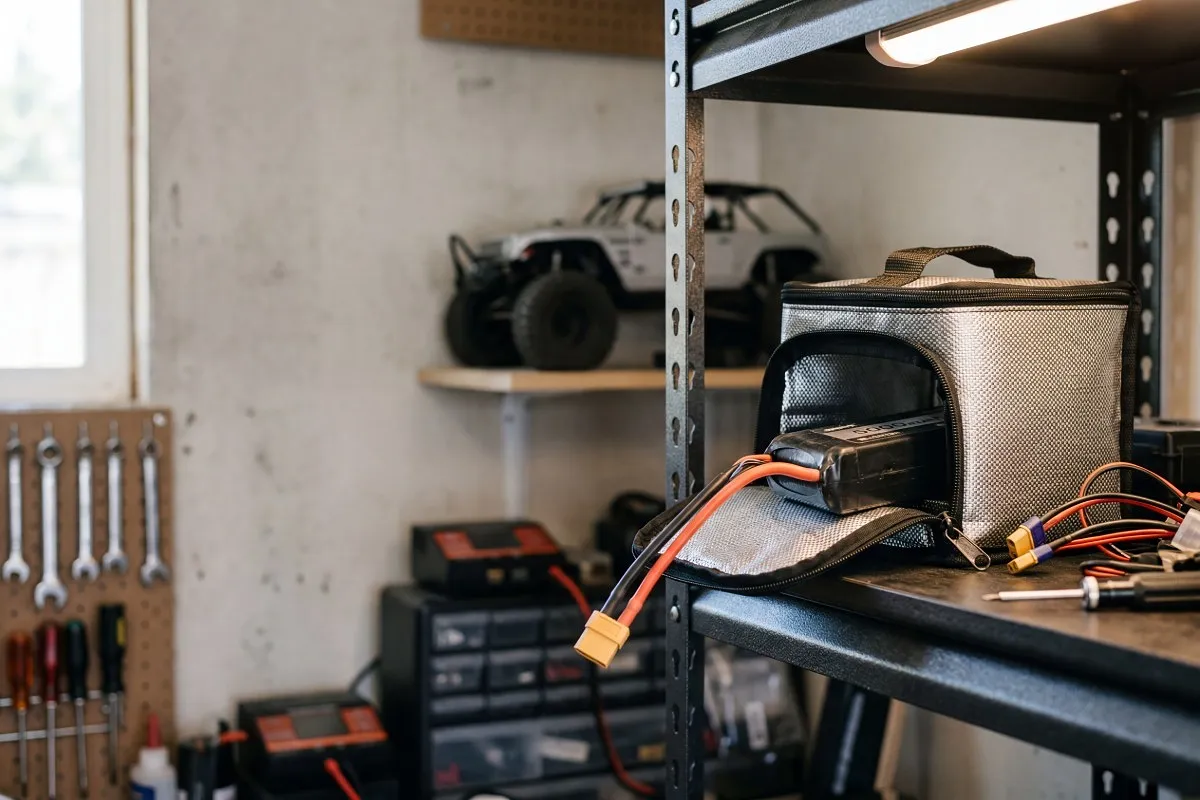
Always inspect your battery and connectors for physical damage after a hard bash before you hook them up to the charger. We also highly recommend charging your batteries inside a LiPo safe bag or strongbox for an extra layer of protection.
Understanding Your Smart Charger
Most hobby-grade chargers on the market use the same standard four-button layout. Once you learn how to use one, you can confidently operate almost any of them. For this guide, we'll reference the menu structure of the SkyRC e680, which is a highly reliable unit, but these steps apply to the vast majority of chargers from SkyRC and other major brands.
Step-by-Step: How to Charge a LiPo Battery
Step 1: Plug In the Main and Balance Leads
Start by plugging your charger into the wall, then connect your battery's main power lead, followed by the smaller balance lead. Smart chargers are designed to handle multiple voltages, so the balance port on models like the SkyRC S65 might be larger than your battery's plug.
If you are charging a smaller voltage battery—like a standard Gens Ace 2S—there will be empty pins left over in the port. This is completely normal. Just align the plug to the correct end (usually indicated by small numbers or a negative symbol next to the port) so the charger reads the cells correctly.
Step 2: Select LiPo Balance Mode
From the charger's main menu, use the two middle buttons to scroll until you see LiPo BATT on the screen. Press the Start/Enter button on the right to select it.
This is where you tell the charger what task to perform. For standard charging, you should always use LiPo Balance mode. If your screen says something else (like LiPo Charge or LiPo Fast), scroll until it says Balance. This mode ensures the charger monitors each individual cell’s voltage and keeps them perfectly matched. Balanced cells perform better and give your battery a significantly longer lifespan.
Step 3: Set Your Charge Rate (Amps)
Press the Start button again, and the charge rate number will begin flashing. This is where you set the amperage.
The safest and most common method is the "1C rule", which means setting 1.0 amp for every 1000mAh of battery capacity. If your battery is 5000mAh, you can safely charge at 5.0A. If it’s 3500mAh, set it to 3.5A. If you have a massive 8000mAh battery but your charger maxes out at 6.0A, just set it to its maximum limit. The charge cycle will take a bit longer, but a slower charge is actually gentler on the battery chemistry anyway.
Step 4: Set the Cell Count (Voltage)
Press the Start button to confirm your amperage. Now, the cell count (voltage) will flash.
Use the middle buttons to scroll until the voltage on the screen matches the label on your battery. For example, if you're charging a 2-cell battery, set it to 7.4V (2S). If it's a 3-cell, set it to 11.1V (3S).
Step 5: Start the Charge Cycle
Once your settings match your battery, press and hold the Start button for a few seconds. The charger will beep and run a quick diagnostic check to verify that the battery plugged in matches the settings you just entered.
If you've set the wrong voltage or a plug isn't seated properly, the charger will throw an error to keep you safe. If everything is correct, the screen will ask you to confirm. Press the Start button one last time to begin the charge cycle. The charger will automatically stop and chime when the battery is full.
Charging NiMH Batteries: Peak Detection
While LiPo batteries are the standard for modern hobby-grade cars, many ready-to-run (RTR) vehicles still come with Nickel-Metal Hydride (NiMH) packs. Charging a NiMH battery requires a different setting, but the process is just as simple.
Scroll through your main menu until you find NiMH BATT. Unlike LiPos, NiMH batteries don't have a balance lead, so you only need to plug in the main power connector. Once in the NiMH menu, select the NiMH Charge mode. You'll need to set your amperage using the same rule of thumb—a 3000mAh NiMH battery should be charged at around 3.0A.
Smart chargers use a process called "Peak Detection" for NiMH batteries. As the battery fills up, its voltage slowly rises. The moment it reaches full capacity, the voltage drops very slightly. The charger detects this exact peak and automatically stops the charge cycle, preventing the cells from overheating. Just hold the Start button to begin, and the charger will handle the rest.
Don't Forget Storage Mode
If you aren't going to be running your RC car for more than a few days, you need to use LiPo Storage mode instead of Balance mode. Never leave your batteries sitting fully charged, and definitely don't leave them flat after a run. Storage mode automatically charges or discharges the battery to a safe resting voltage (around 3.8V per cell), which prevents the cells from puffing and degrading over time.
Quick Tips to Keep You Rolling
Navigating menus: If you ever get lost in the charger's settings, just hit the Back/Stop button on the far left a few times to return to the main menu and start fresh.
Checking cells: While the battery is charging, you can usually press the middle buttons to view the real-time voltage of each individual cell.
Unplug after use: Never leave your battery plugged into your car when you aren't driving it, and never leave it plugged into the charger when it isn't charging.
If you're still scratching your head, our expert team of genuine RC hobbyists is always happy to help you get sorted. Ready to upgrade your pit setup? Check out our full range of RC battery chargers to find the perfect fit for your fleet.
A
Aaron
Hobbies Direct
Frequently Asked Questions
A safe rule of thumb is the 1C charge rate, which means 1 amp for every 1000mAh of capacity. For example, a 5000mAh battery should be charged at 5.0A.
Balance mode charges the battery while monitoring and adjusting the voltage of each individual cell. This ensures all cells reach exactly 4.2V per cell, which is crucial for safety and battery longevity.
Connection errors usually mean the balance lead or main power lead isn't plugged in correctly. Double-check that both leads are firmly seated in the correct ports and that the polarity matches.
Yes. While modern LiPo batteries are very safe when handled correctly, a LiPo safe bag provides essential fire containment in the rare event of a battery failure during charging.
Related Products

Related Posts

Buying Guides
·
11 min read
Batteries - NiMH Vs LiPo - Which is better?
10 years ago
Trying to choose a battery for your RC car? Trying to choose between NiMH and LiPo batteries can be hard without the right information.
Buying Guides
·
7 min read
Choosing The Right Hobby Battery Charger For Your RC Needs
9 years ago
Choosing the right battery charger is very important and can be the difference between safely charging your battery, and catching your shed on fire.
How To
·
3 min read
Why isn’t my LiPo battery charging?
2 years ago
Why isn’t my lipo battery charging? There’s really kinda only 2 reasons. Firstly, check your charger and connections. Make sure all the settings are right, and all the connections on the battery an...